 Platwright
The Suite · four templates
The Landlord Suite — All Four Platwright Templates for Excel & Google Sheets
A property you are thinking about, a year that is already running, a calendar of nights, and a portfolio you have never seen added up. Four different questions — and one spreadsheet trying to answer all four is how you end up trusting none of them.
One-time purchase $89
Four files, Excel and Google Sheets. One payment, yours to keep.
Checkout is handled by Payhip, our payment processor, so you will leave platwright.com to pay. The file and the Welcome Guide arrive by email the moment the payment clears. If anything goes wrong with the download, email platwrightdr@gmail.com and I will sort it.
What the suite is
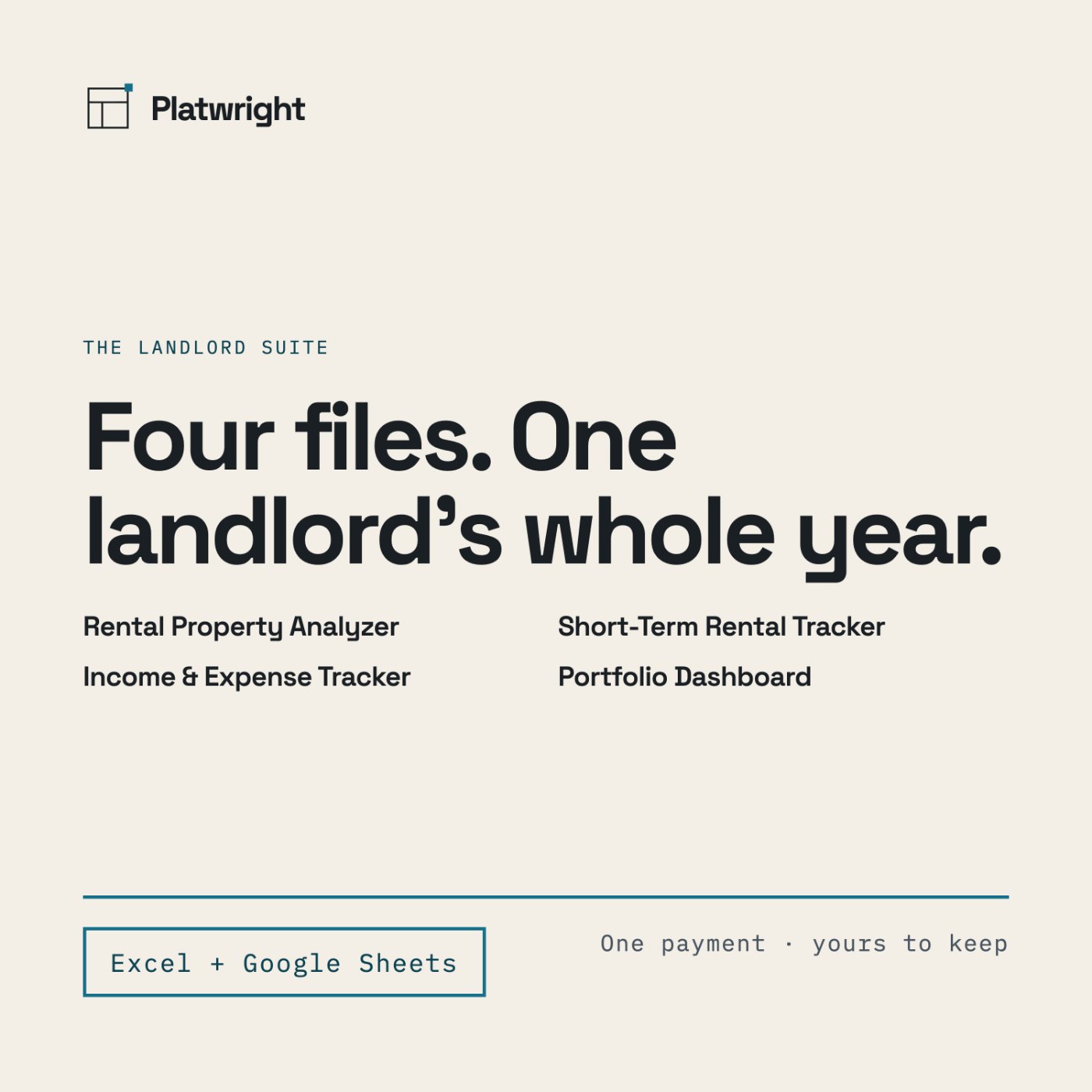
The Landlord Suite is the four paid Platwright templates, bought together: one file for the deal you are weighing, one for the year you are living, one for the nights you rent, and one for everything you already own. Each file does one job, keeps its own numbers, and explains every figure it prints in a tab of its own.
The four paid templates, bought together
What's included
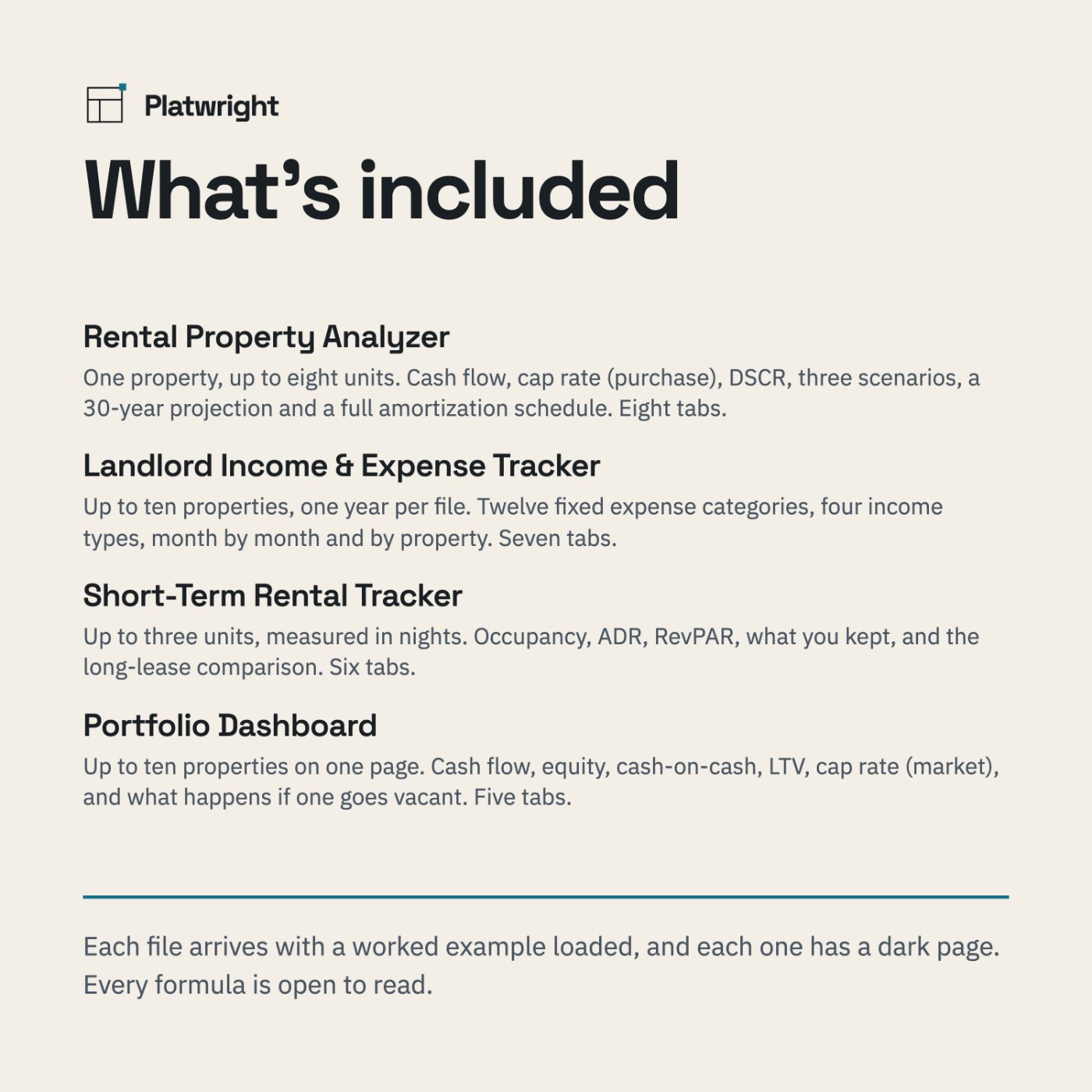
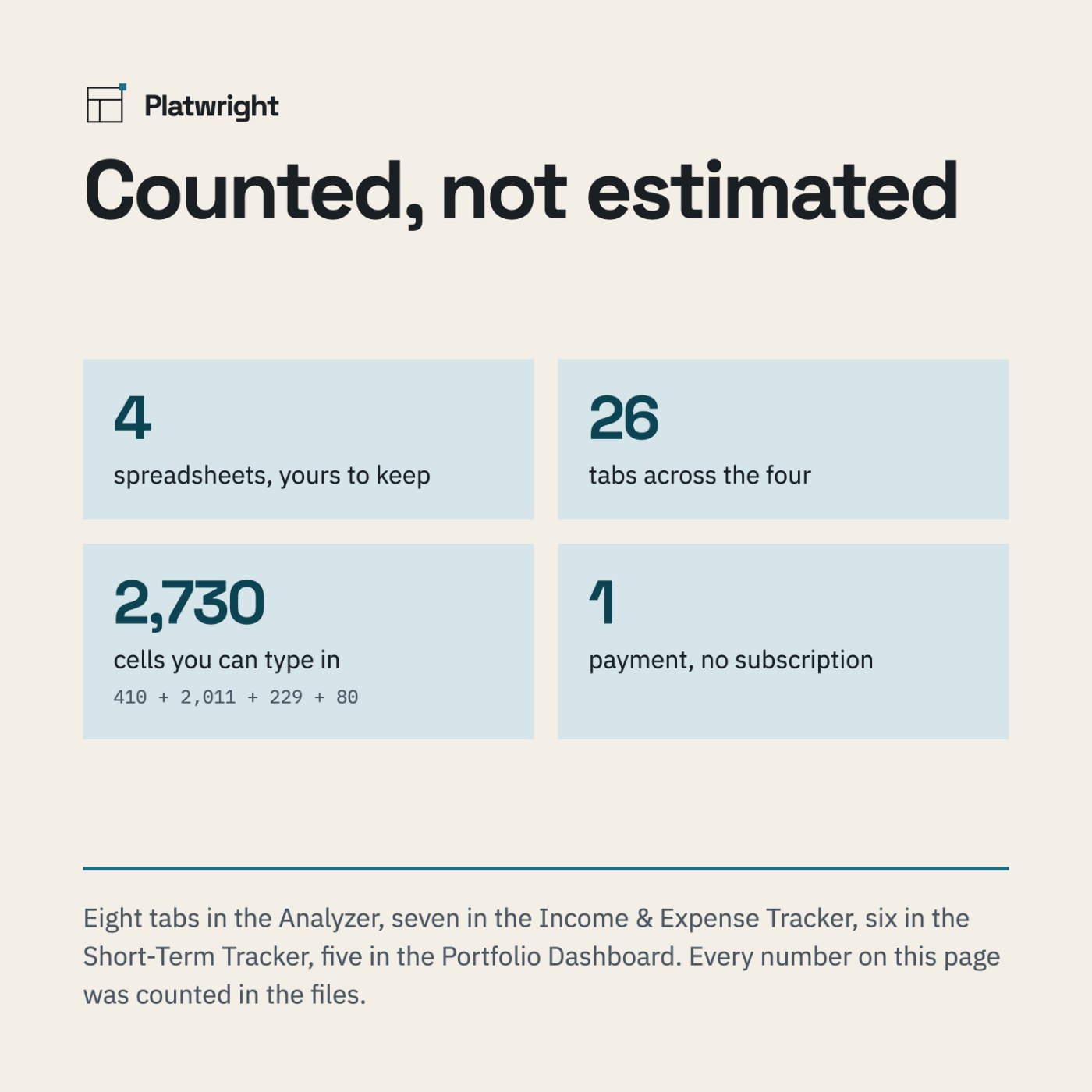
- Rental Property Analyzer — one property, up to eight units. Cash flow, cash-on-cash, cap rate (purchase) and DSCR; three scenarios side by side; a 30-year projection; a full 360-row amortization schedule with an editable extra-payment column; an equity chart. Eight tabs, 410 cells you can type in.
- Landlord Income & Expense Tracker — up to ten properties, one year per file. Twelve fixed expense categories, four income types, month by month, where the money went and by property. Seven tabs, 2,011 cells you can type in.
- Short-Term Rental Tracker — up to three units, measured in nights. Occupancy, ADR, RevPAR and what you kept, month by month and by unit, plus the long-lease comparison. Six tabs, 229 cells you can type in.
- Portfolio Dashboard — up to ten properties on one page. Cash flow, equity, cash-on-cash, LTV, cap rate (market), every property ranked by cash flow, and what the total becomes if any one of them goes vacant. Five tabs, 80 cells you can type in.
- 26 tabs and 2,730 cells you can type in, across the four files
- A worked example already loaded in each one, so nothing is ever blank
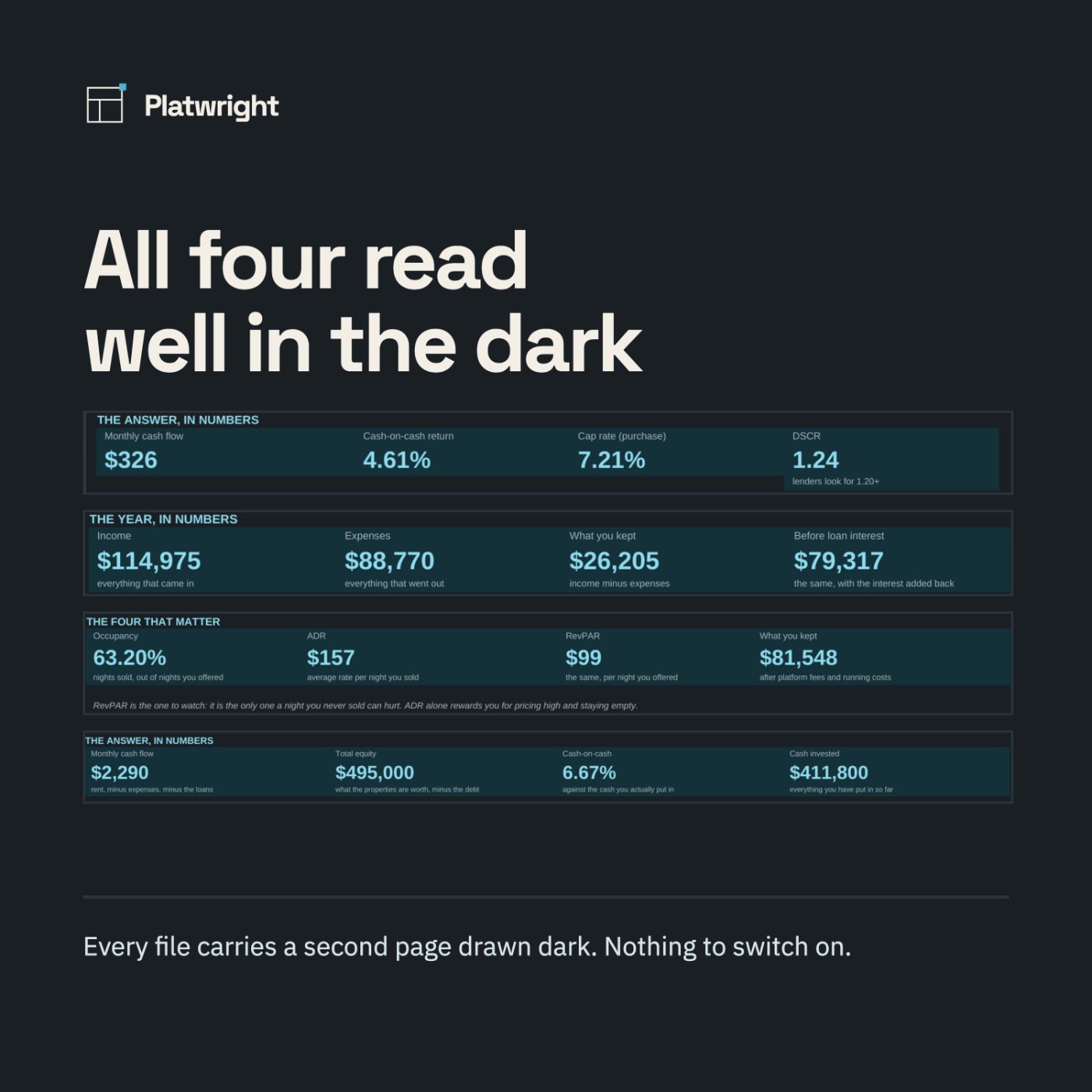
- A dark page in every file — a second tab, nothing to switch on
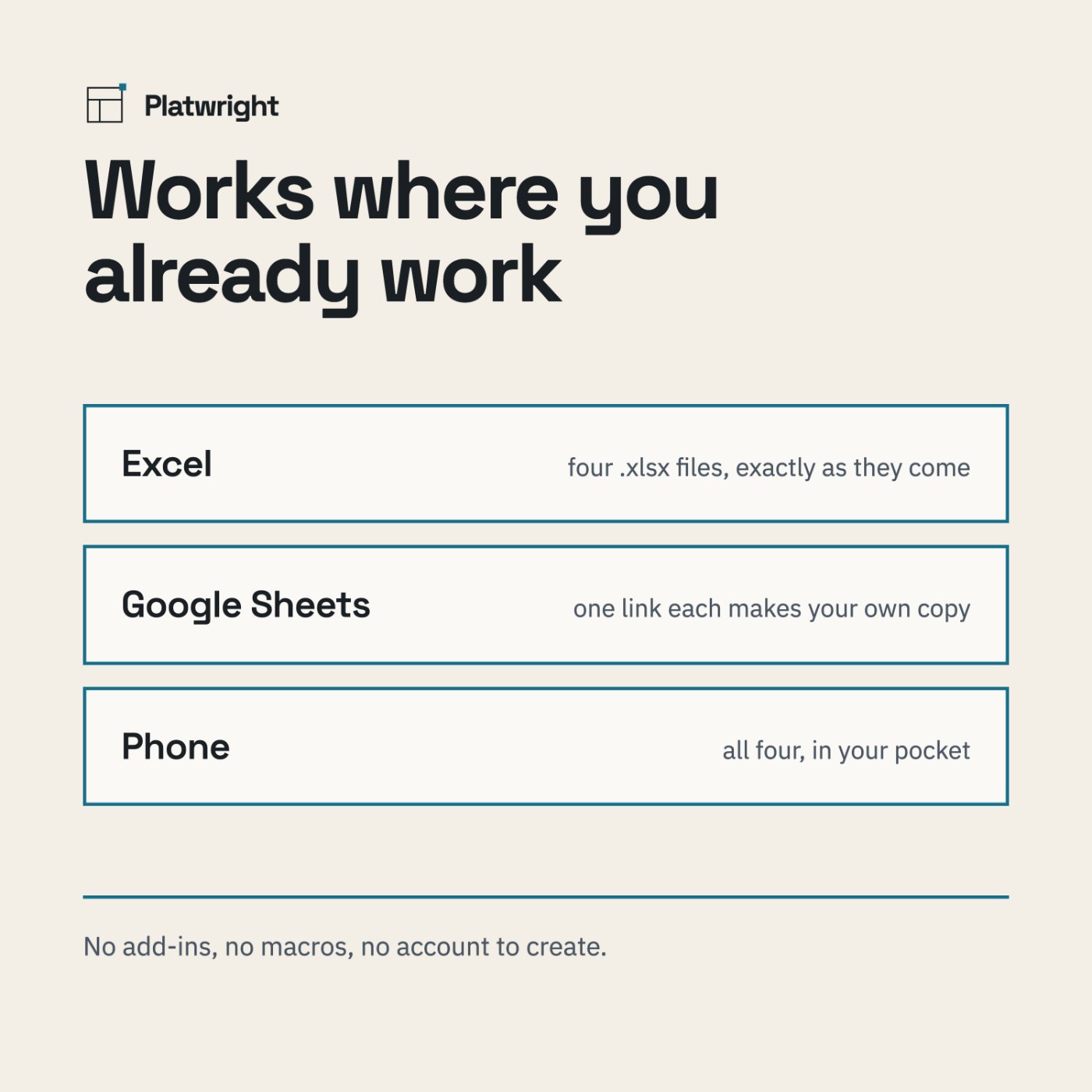
- Works in Excel and Google Sheets, desktop and mobile
- One payment. Yours to keep. No subscription
How it works
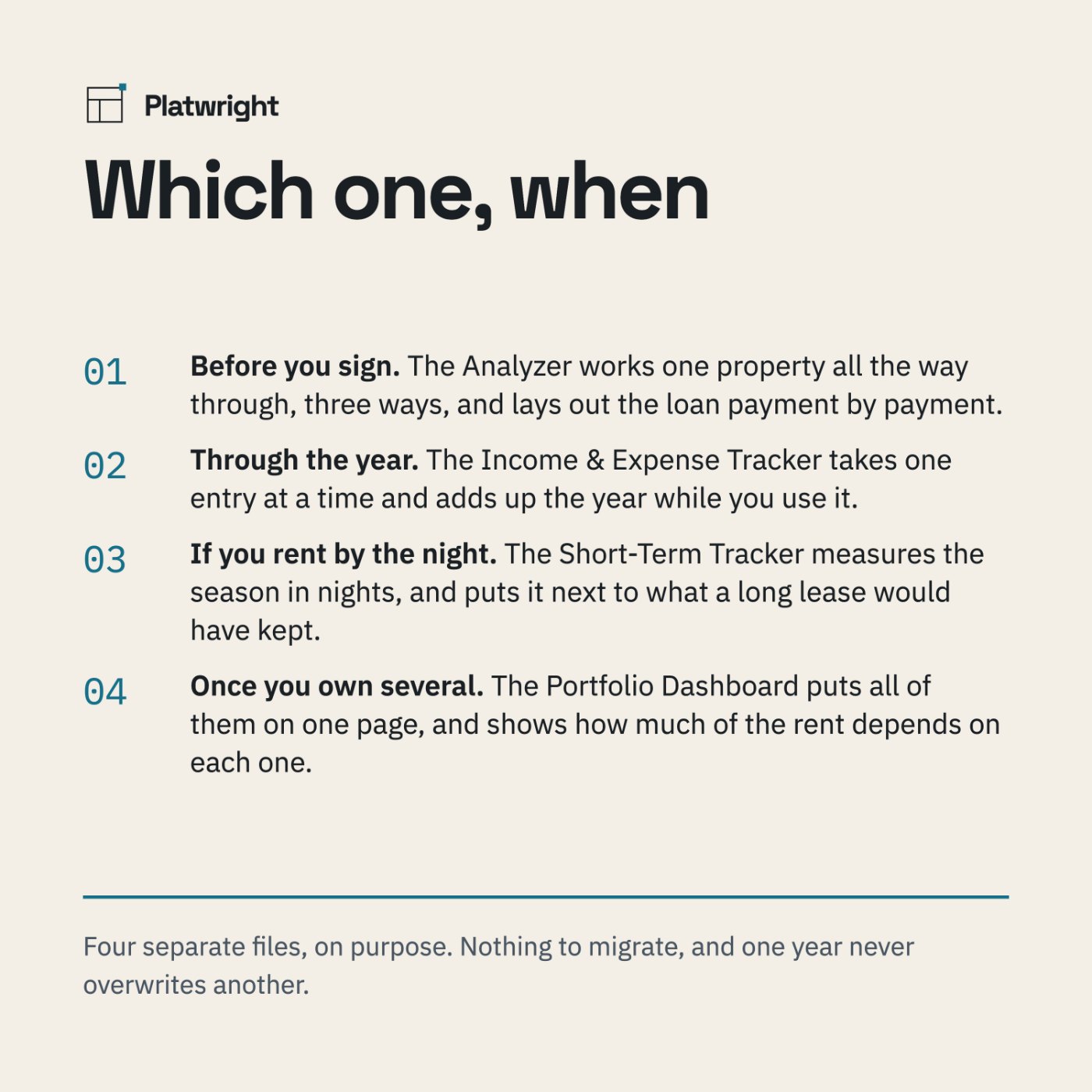
Before you sign
The Analyzer works one property all the way through, three ways, and lays out the loan payment by payment.
Through the year
The Income & Expense Tracker takes one entry at a time and adds up the year while you use it.
If you rent by the night
The Short-Term Tracker measures the season in nights, and puts it next to what a long lease would have kept.
Once you own several
The Portfolio Dashboard puts all of them on one page, and shows how much of the rent depends on each one.
What you see before you pay
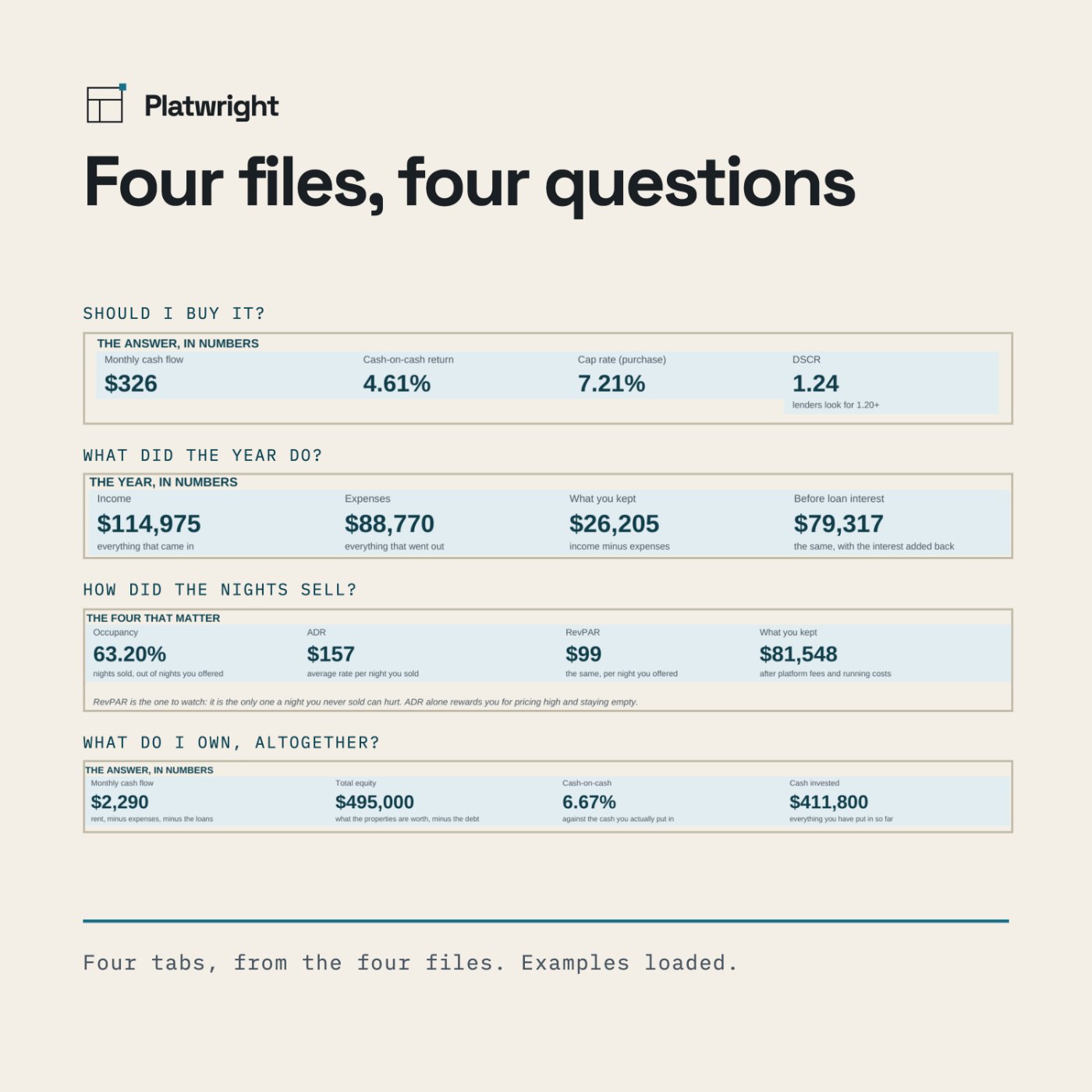
Screenshots of the file below, with the worked example that comes loaded in it, alongside panels that spell out what is inside.
Compatibility
Microsoft Excel · Google Sheets · both mobile apps. No add-ins, no macros, no account to create. Formulas are open — you can see every calculation, in all four files.
Questions
What is the difference from buying them separately?
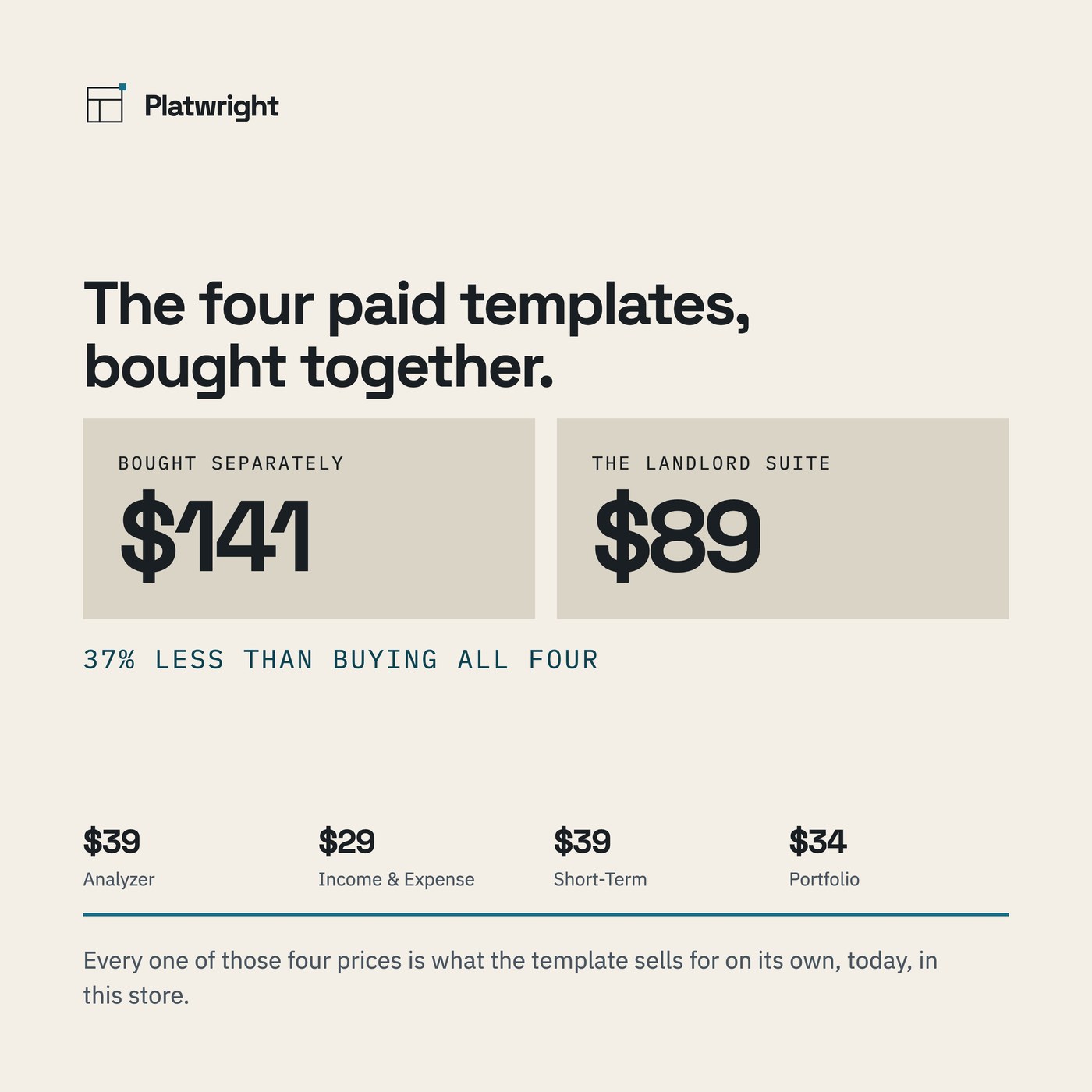
Nothing in the files: they are the same four templates. Separately they are $39, $29, $39 and $34 — $141 for the four. The suite is $89, which is 37% less, and every one of those four prices is what the template sells for on its own, today, in this store.
Do I need Excel?
No. All four open in Google Sheets and in the Excel mobile app, and behave the same in both.
Is this a subscription?
No. One payment, and the files are yours to keep. There is nothing to renew.
Can I edit it?
Yes. Every formula is open to read. The sheets are protected so a stray click cannot delete a formula. In Excel: Review > Unprotect Sheet. The password is printed inside the file, in Start Here. In Google Sheets: you own your copy, so you can edit anything — Sheets will just ask you to confirm first.
Why four files instead of one?
Because one year should never overwrite another, and a file that tries to be a screener, a ledger and a portfolio at once gets fragile. Four files means nothing to migrate and nothing to break.
Is the free Deal Screener included?
It is not part of the suite — it is free on its own, and you can have it either way. Get the Deal Screener.
Can I use these for my taxes?
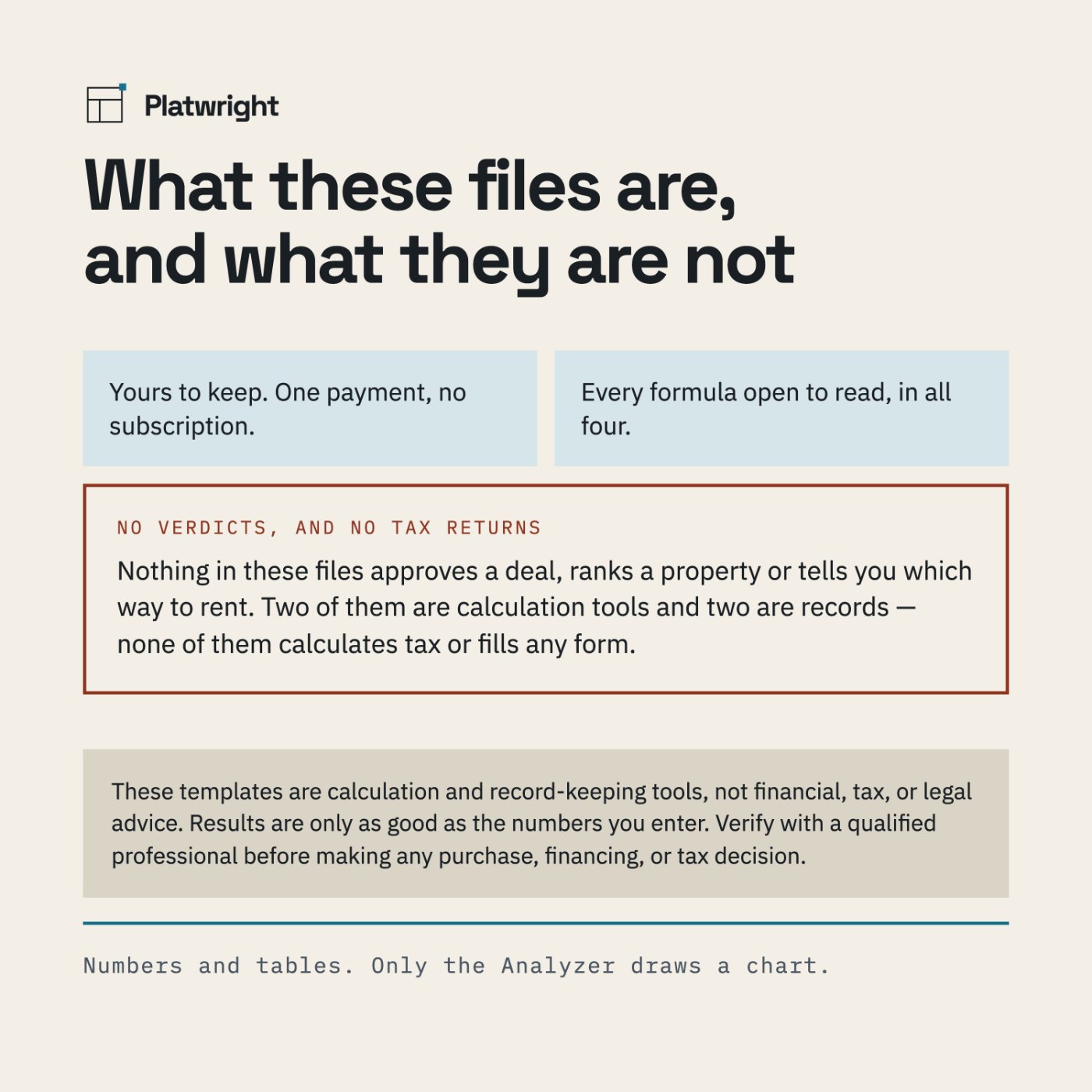
No. Two of these files are calculation tools and two are records; none of them calculates tax or fills any form. See the disclaimer below, and take your numbers to a qualified professional.
Do they tell me whether a deal or a property is good?
No. They show what the numbers do, including the version where it goes wrong. Nothing in the four files approves a deal, ranks a property or tells you which way to rent.
The worked examples, in full
Each file in the suite has its arithmetic written out on a page of its own, and so does the free screener — the numbers you type, the working, and what comes out the other side.
- How to run a duplex through a spreadsheet — one property, worked from the six numbers you type down to the four that decide.
- Where a landlord year actually goes — twelve categories, and what each one took.
- A short-term rental year, measured in nights — occupancy, ADR, RevPAR, and what was kept.
- Five properties on one page — the portfolio view, and the vacancy column.
- Break-even rent calculator — run your own numbers — break-even rent, and the free first-pass filter.
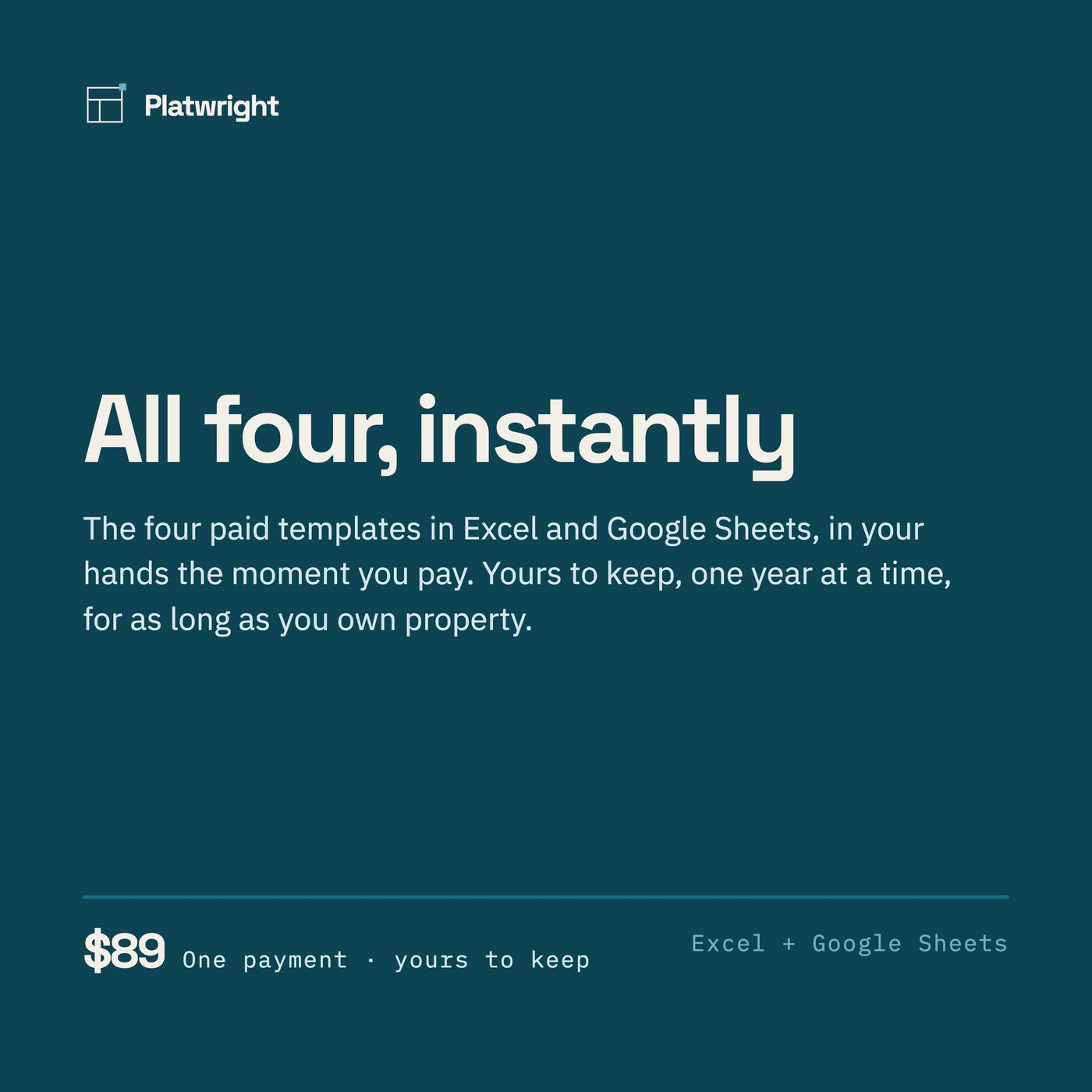
All four, instantly
One payment of $89, and the four files are yours to keep. No subscription, nothing to renew — and the four Welcome Guides arrive with them.
Checkout is handled by Payhip, our payment processor, so you will leave platwright.com to pay. The file and the Welcome Guide arrive by email the moment the payment clears. If anything goes wrong with the download, email platwrightdr@gmail.com and I will sort it.
These templates are calculation and record-keeping tools, not financial, tax, or legal advice. Results are only as good as the numbers you enter. Verify with a qualified professional before making any purchase, financing, or tax decision.