 Platwright
Every formula, verified.
Excel and Google Sheets templates for people who own rental property — or are about to. Run the numbers on a deal before you sign, and see what the properties you already own are actually doing.
Works in Excel and Google Sheets. One-time purchase, no subscription.
Free, in your browser
Three free calculators
The rent at which a property stops paying for itself. What it earns before the loan. What an empty month is costing you, and whether a rent cut would be cheaper. They run on the page: nothing to download, nothing to sign up for, and nothing you type leaves your browser.
Six templates
The catalog
One file per question. Every price below is a one-time purchase, and every file opens in both Excel and Google Sheets.
The math is the product.
Most rental spreadsheets break in the same three places: the formulas come apart when you change something, the reserves for maintenance and CapEx are missing, and there is only one version of the future in the file. Platwright templates are built to hold up in all three.

Three sets of assumptions, side by side
Base, downside, and upside live in the same file, in three columns you can read across. Change one assumption and all three update. Most spreadsheets in this category give you one future and leave you guessing about the other two.

Verified cell by cell
Every calculation engine is recalculated outside the spreadsheet and compared against the file, then tested empty, tested with extreme dates, and tested with numbers entered in the wrong place. That work is the reason the tagline is the only claim on this page.

Maintenance and CapEx are already in there
Leaving reserves out is what makes a property look like it pays for itself when it doesn't. They're line items in the template, not an afterthought you have to remember to add.
What you're buying

A file, not an app
You download a spreadsheet and keep it. No login, no account, nothing to cancel.

One-time purchase
You pay once. There is no subscription and no renewal.

Excel and Google Sheets
Both, from the same download. Arial throughout, so nothing shifts when the file moves between them.

Yours to edit
Every formula open to read. The sheets are protected against stray clicks. In Excel the password is printed inside the file, in Start Here; in Google Sheets you own your copy, so you can edit anything. Type over the empty slots that are already there, rename what you like, change the labels to match how you work.

Instant download
The file and a one-page Welcome Guide arrive the moment the payment clears.

Built for 1 to 10 units
The range this catalog is designed around. Explained plainly if it's your first property, not dumbed down if it's your eighth.
Start here
Start with the free one
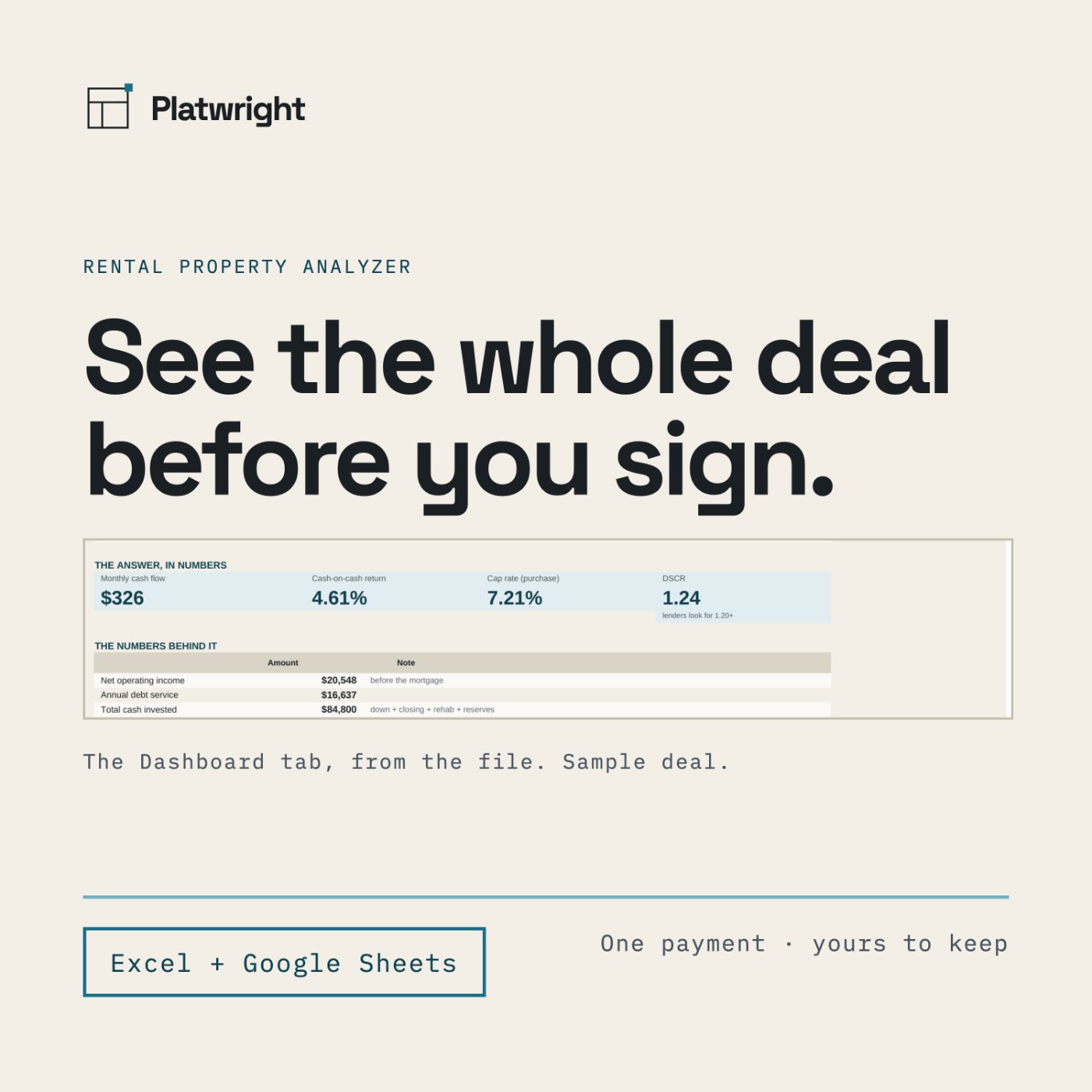
The Deal Screener is free. It's the short version: enter what a property costs and what you think it will rent for, and see the full picture on one page. If it earns its place on your desk, the rest of the catalog is there.
Questions
Do I need Excel?
No. The file opens in Google Sheets and in the Excel mobile app, and behaves the same in both.
Is this a subscription?
No. One payment, and the file is yours to keep. There is nothing to renew.
Can I edit it?
Yes. Every formula is open to read. The sheets are protected so a stray click cannot delete a formula. In Excel: Review > Unprotect Sheet. The password is printed inside the file, in Start Here. In Google Sheets: you own your copy, so you can edit anything — Sheets will just ask you to confirm first.
Can I use this for my taxes?
No. It is a calculation tool. See the disclaimer below, and take your numbers to a qualified professional.
Does it tell me whether the deal is good?
No. It shows you what the deal does, including the version where it goes wrong. Nothing in the file approves or rejects a property.